Learn Odoo on the real screens
Short guided lessons from setup to your first sale, invoice and report. Each screen shows you exactly where to click.
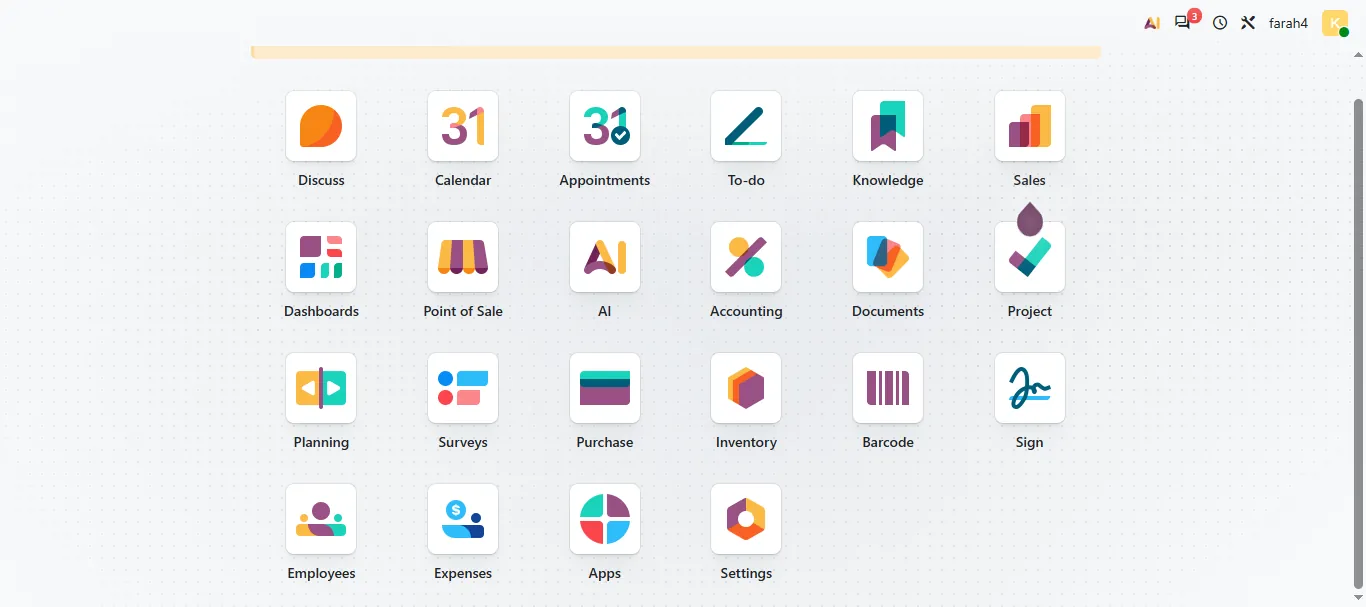
yourcompany.odoo.com/odoo
Lessons
Go in order the first time. Each lesson uses what you made in the one before.
Follow the glowing boxIt marks where to click. Tap it, or press Next, to move on.
Listen as you goEach lesson has an audio guide that starts by itself.
Then do it yourselfOpen your own Odoo and repeat each screen, then tick the practice list.
Screens are from Odoo Online (version 20). A few screens are drawn illustrations and are marked as such.